Shopping list for Fall 2026 - iPad mini with cellular + Macbook air 15" -
May 16, 2026
Building the Ideal Teaching & Research Technology Setup on a $2,500 Annual Budget
Every year, my teaching contract includes a technology budget of approximately $2,500. Instead of spreading that budget across random gadgets or incremental upgrades, I decided to build a streamlined Apple ecosystem focused on mobility, research, teaching, writing, chart analysis, and content creation.
This year’s setup centers around two core devices:
-
A fully mobile iPad Mini configuration for travel, notes, charting, reading, and classroom flexibility
-
A 15-inch MacBook Air for research, writing, portfolio work, presentations, and long-form productivity
The goal was simple: create a lightweight, professional setup that can handle nearly everything I need for teaching, trading research, travel, and online business work without overspending or buying unnecessary hardware.
The iPad Mini Setup — Portable Research & Teaching Device
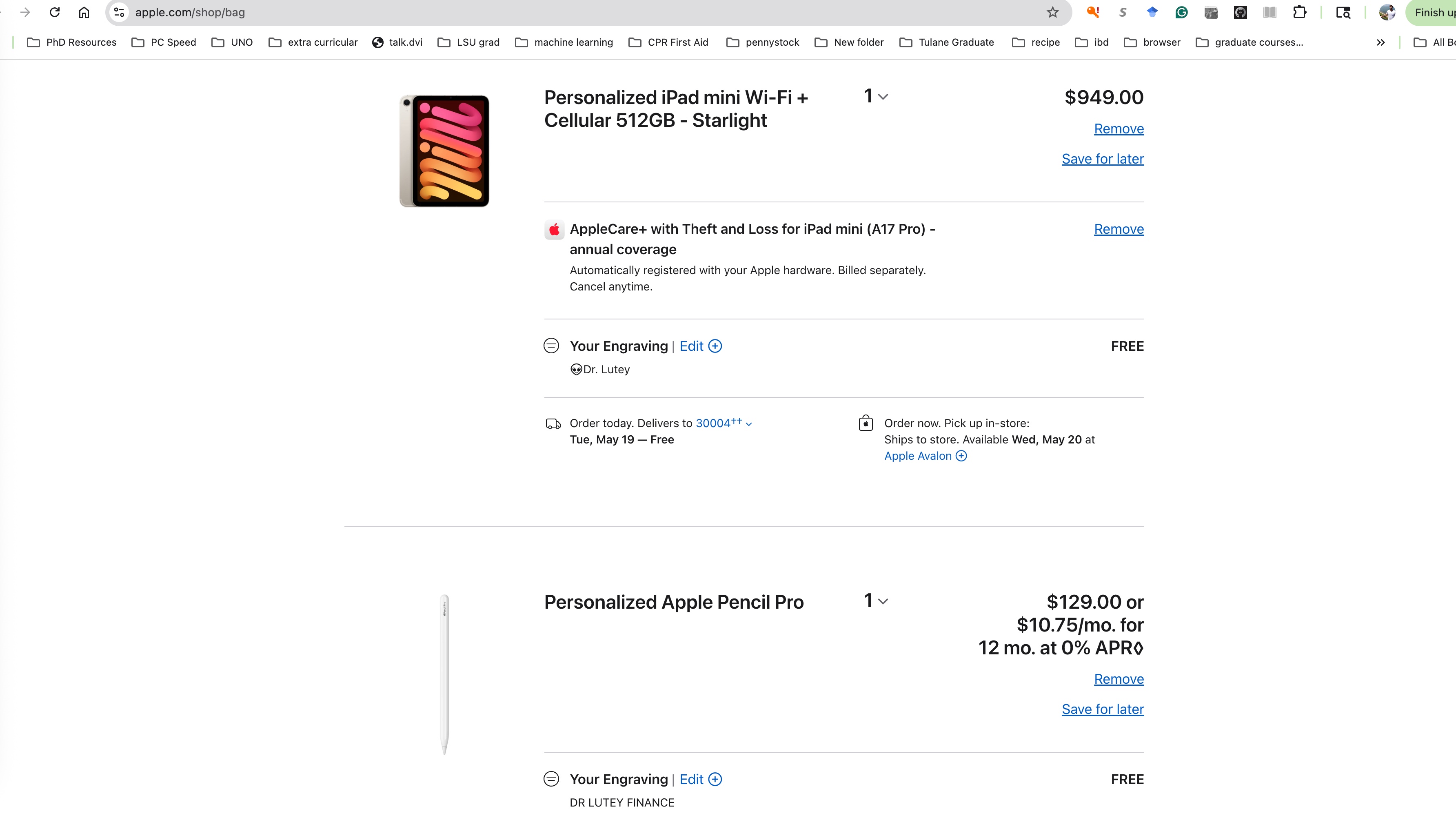
The first part of the setup is the Apple iPad Mini with:
-
Cellular connectivity
-
Expanded 512GB storage
-
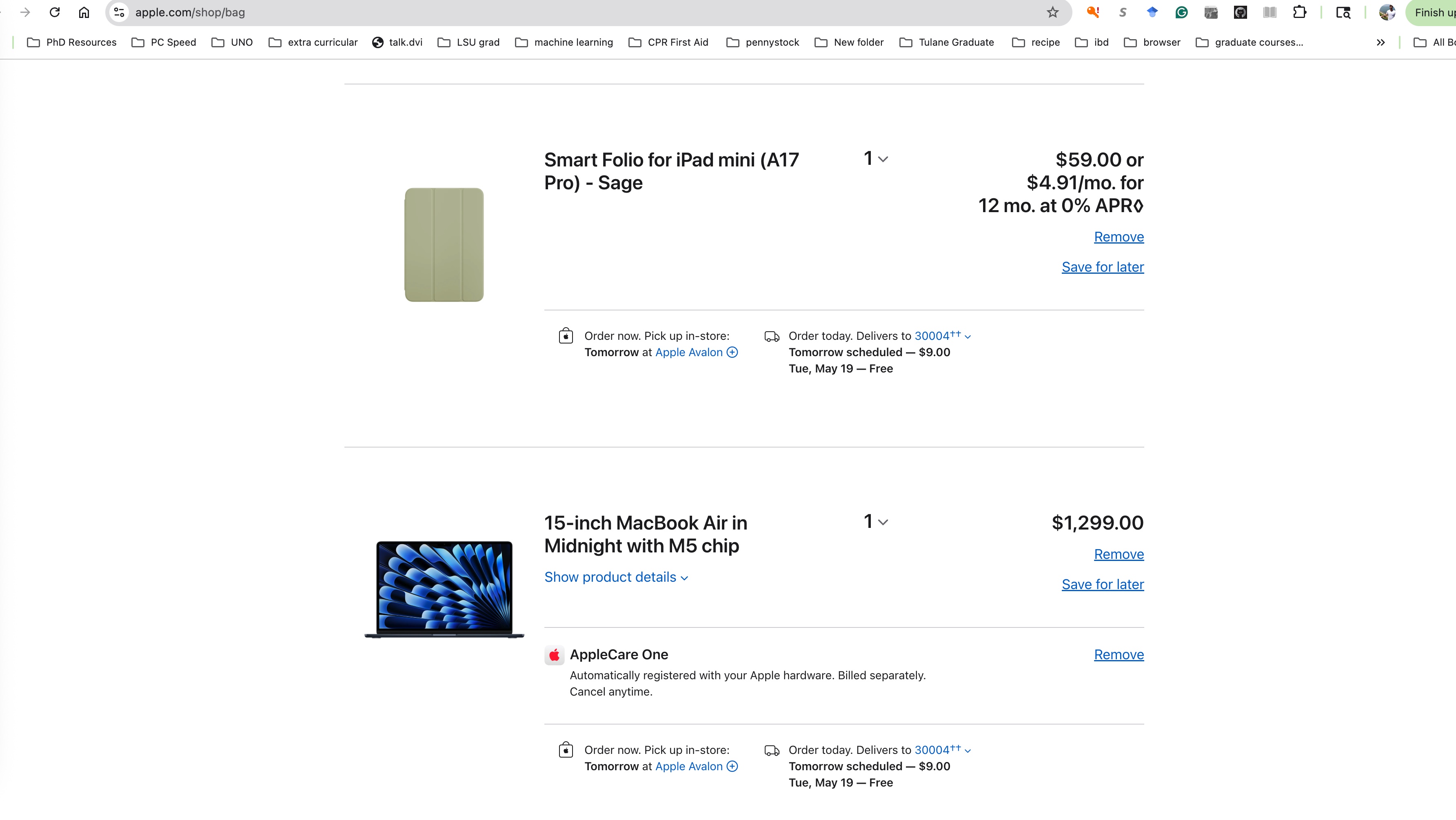
Folding smart case
-
Apple Pencil
-
Sage color configuration
At roughly $950 total, this becomes an ultra-portable workstation that can travel anywhere.
The cellular option matters more than most people realize. It turns the iPad Mini into a fully independent device that works in airports, coffee shops, conferences, hotels, classrooms, or while traveling between cities without relying on public WiFi.
The 512GB storage upgrade is also intentional. Between lecture PDFs, Bloomberg exports, chart screenshots, downloaded research papers, portfolio models, video clips, notes, and offline files, storage fills up quickly over time.
The Apple Pencil transforms the experience even further. For finance teaching and market analysis, handwritten notes, chart markups, portfolio sketches, and annotated lecture slides become significantly easier than typing everything traditionally.
Combined with the folding smart case, the iPad Mini becomes a compact teaching and research tool that can fit in almost any bag or even a jacket pocket.
The 15-Inch MacBook Air — Main Productivity Machine
The second half of the setup is a 15-inch MacBook Air with base storage configuration, totaling approximately $1,250.
For most academic, trading, and business workflows, the MacBook Air is more than powerful enough while remaining lightweight and portable.
The larger 15-inch screen was prioritized over maximizing storage because screen space directly impacts productivity:
-
Managing spreadsheets
-
Writing research
-
Running portfolio analysis
-
Editing presentations
-
Monitoring charts
-
Building website content
-
Handling Zoom meetings and course material simultaneously
The Air lineup also offers exceptional battery life, which is ideal for long campus days, conferences, travel, and remote work sessions.
For someone balancing finance teaching, trading research, consulting, and online business projects, portability matters almost as much as performance.
AppleCare & Long-Term Protection
Both devices also include a year of replacement coverage.
When your laptop and tablet are central to your income, teaching responsibilities, research workflow, and communication, downtime becomes expensive.
Coverage helps reduce the risk of unexpected repair costs while extending the lifespan of the investment.
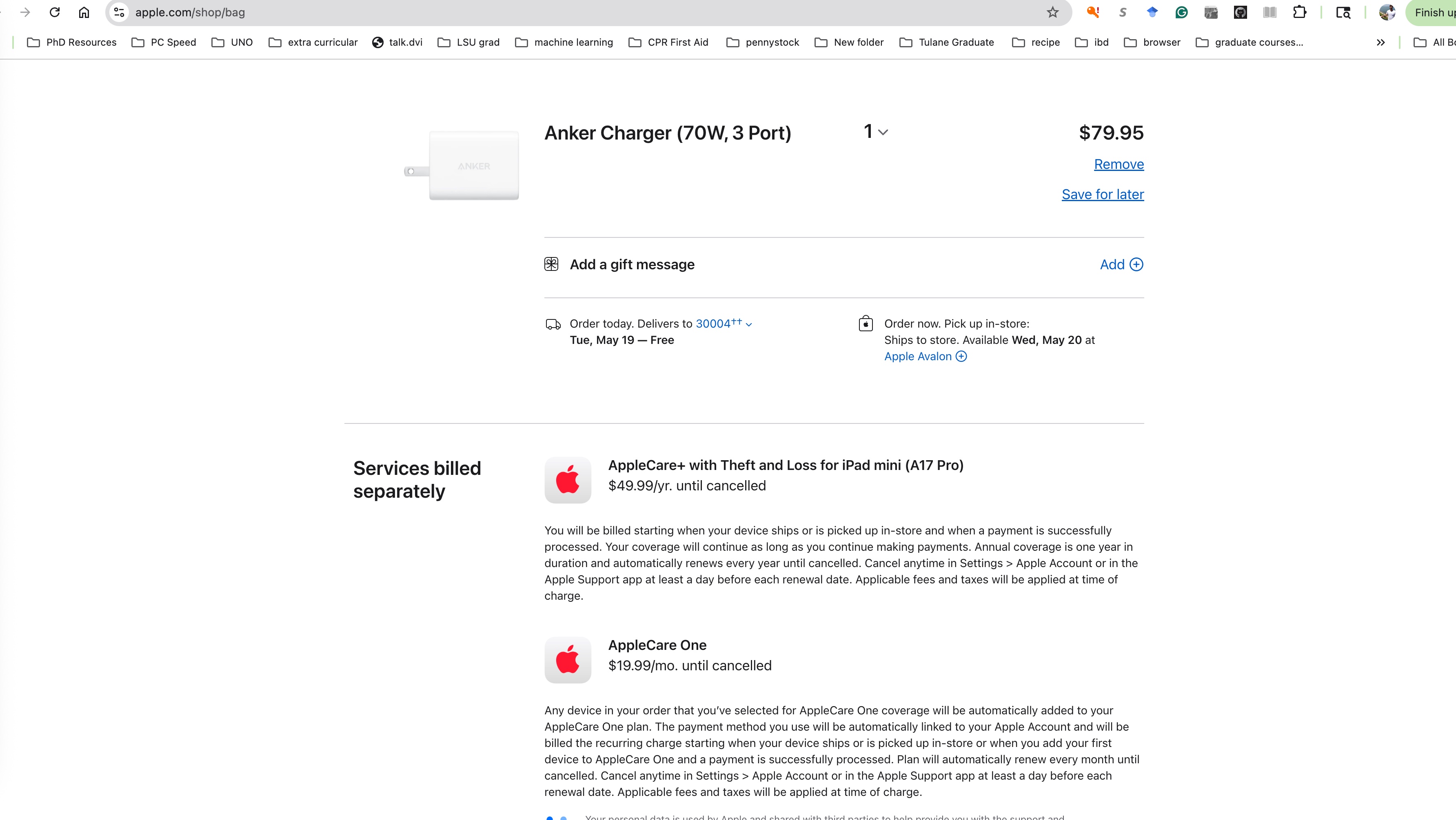
I also added a spare 70W charging brick that can charge either device interchangeably.
This sounds minor, but having an extra charger dramatically improves convenience:
-
One stays at home
-
One stays in the travel bag
-
Less cable swapping
-
Less forgetting chargers during travel or campus days
Sometimes the small quality-of-life upgrades matter just as much as the devices themselves.
Total Cost Breakdown
Technology Budget Allocation
| Item | Estimated Cost |
|---|---|
| iPad Mini Cellular 512GB + Case + Pencil | $950 |
| 15” MacBook Air | $1,250 |
| Replacement Coverage + Extra Charger | Included in remaining budget |
| Total | Approximately $2,500 |
The final setup stays almost exactly within the annual technology budget provided through my teaching contract.
Why This Setup Makes Sense
A lot of people assume technology budgets should be used to buy the most expensive possible devices.
But the better strategy is usually buying the tools that best match your actual workflow.
For me, that means:
-
Mobility
-
Lightweight travel
-
Long battery life
-
Research flexibility
-
Writing capability
-
Presentation readiness
-
Digital note-taking
-
Content creation
-
Remote work compatibility
This setup creates an efficient ecosystem where the iPad Mini handles portability and quick interaction while the MacBook Air handles deeper work sessions and production.
Instead of chasing unnecessary upgrades, the focus stays on functionality, efficiency, and consistency.
For a professor, researcher, trader, or online business owner trying to maximize productivity while staying mobile, this combination hits a very strong balance between power, portability, and budget discipline.